Recipes and controls
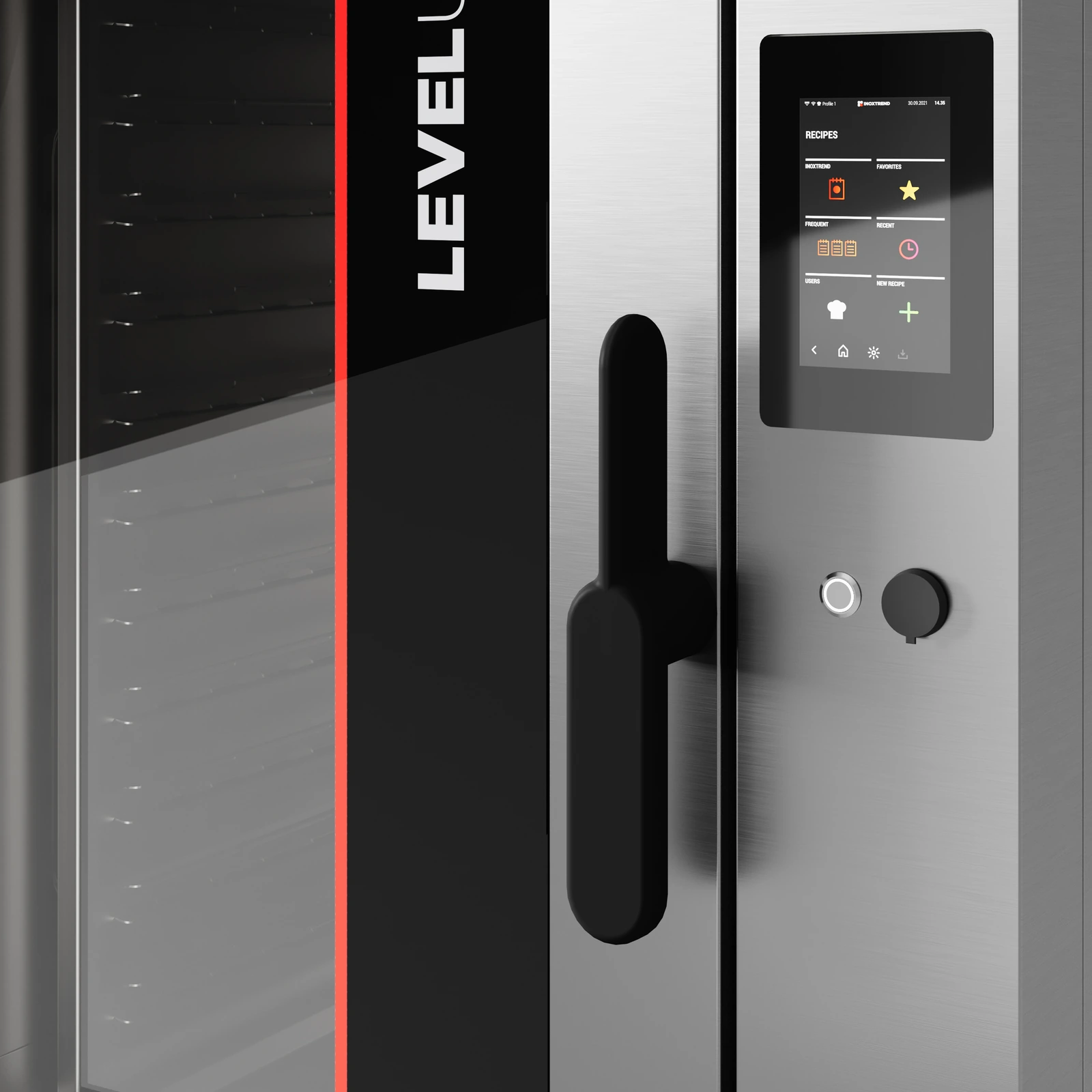
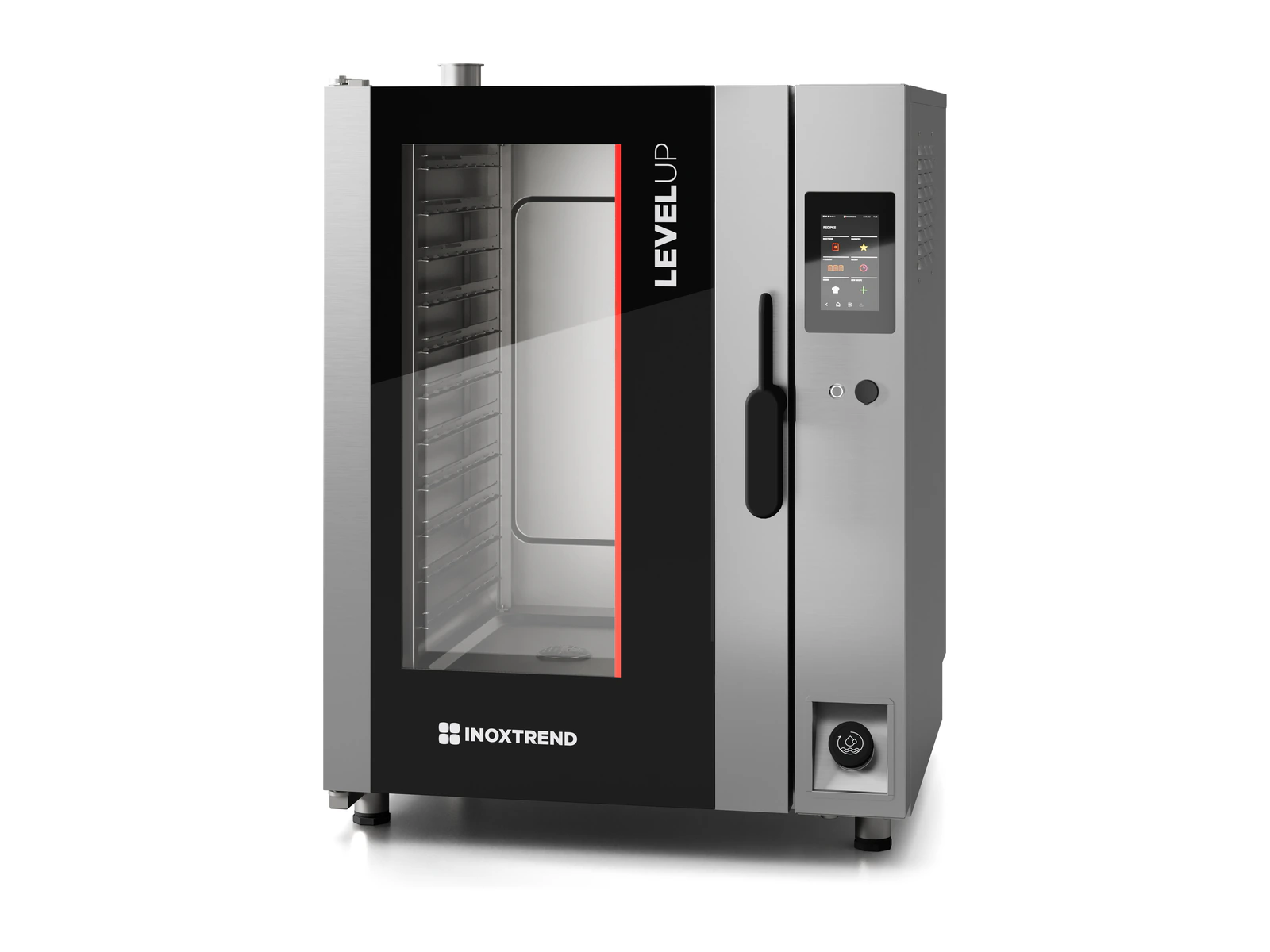
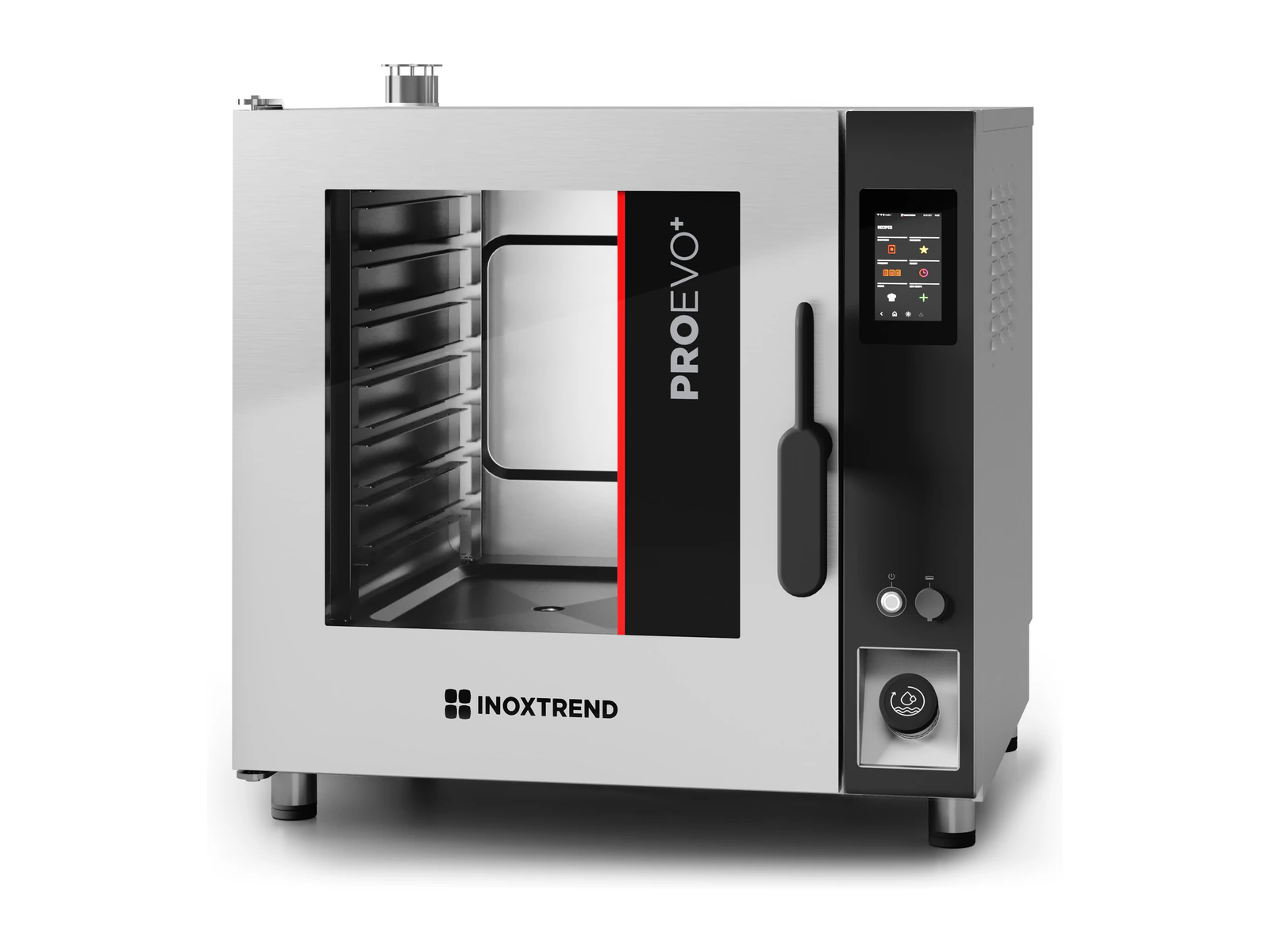
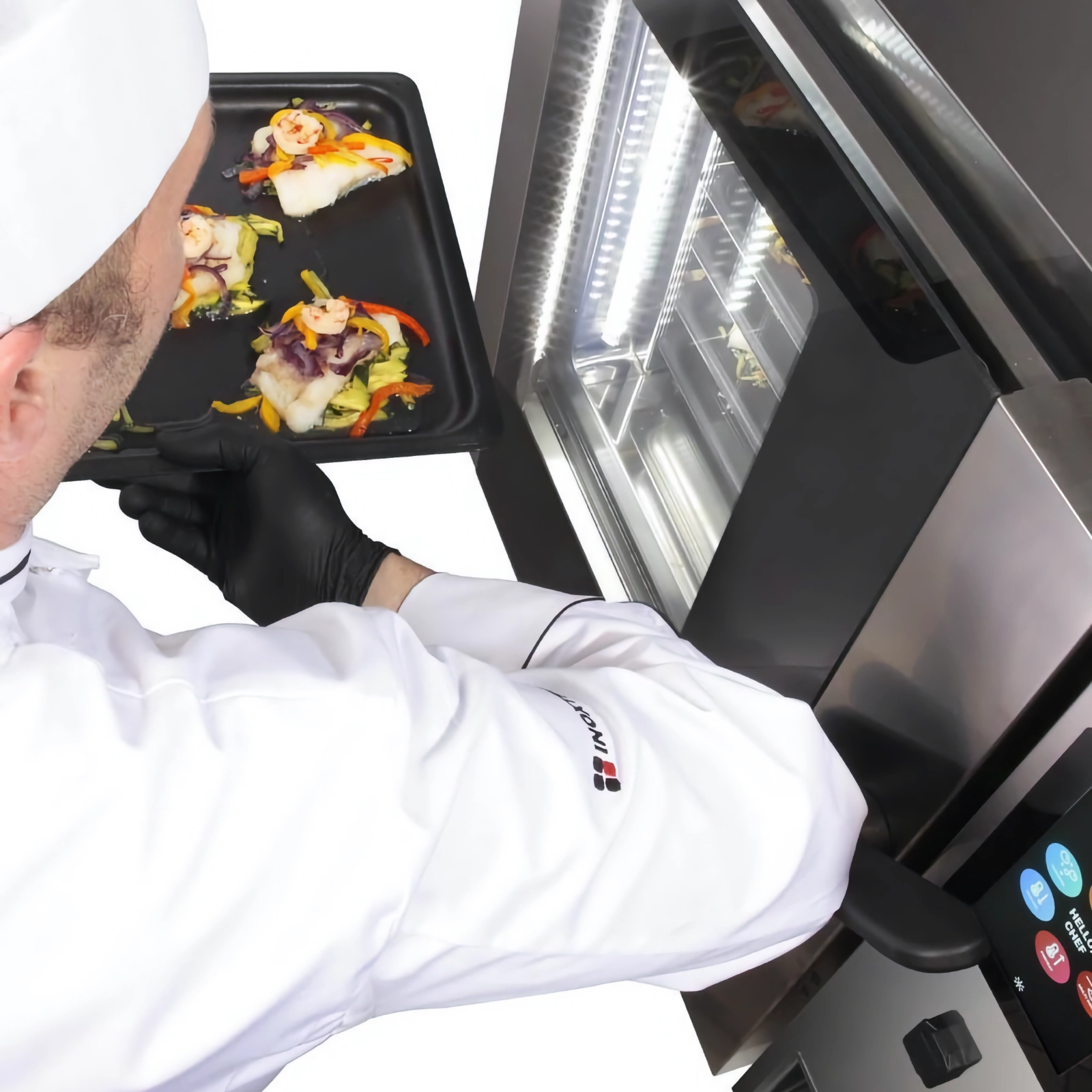
Choose a recipe and the oven sets the mode, temperature, humidity and time for each step automatically, so the dish turns out the same every time, whoever cooks it. The built-in cookbook of international recipes, tested by „Inoxtrend“ chefs, is organised by type of dish: pasta and rice, meat, poultry, fish, vegetables, eggs, pastries and more. The recipe screen shows both the ingredients and the method.
Meat and poultry recipes in particular come with a doneness scale from −3 to +3: cook the dish a little less or a little more, and the recipe stays as it is. Adjust a factory recipe and save it as your own — the original stays intact.
The oven remembers the last 20 dishes and the 20 you cook most often, including those cooked without a recipe. Repeat a good result straight from the list with the same settings, or save it as a recipe. Every chef can have their own profile with favourite recipes, and only the people you give the password to can save recipes.
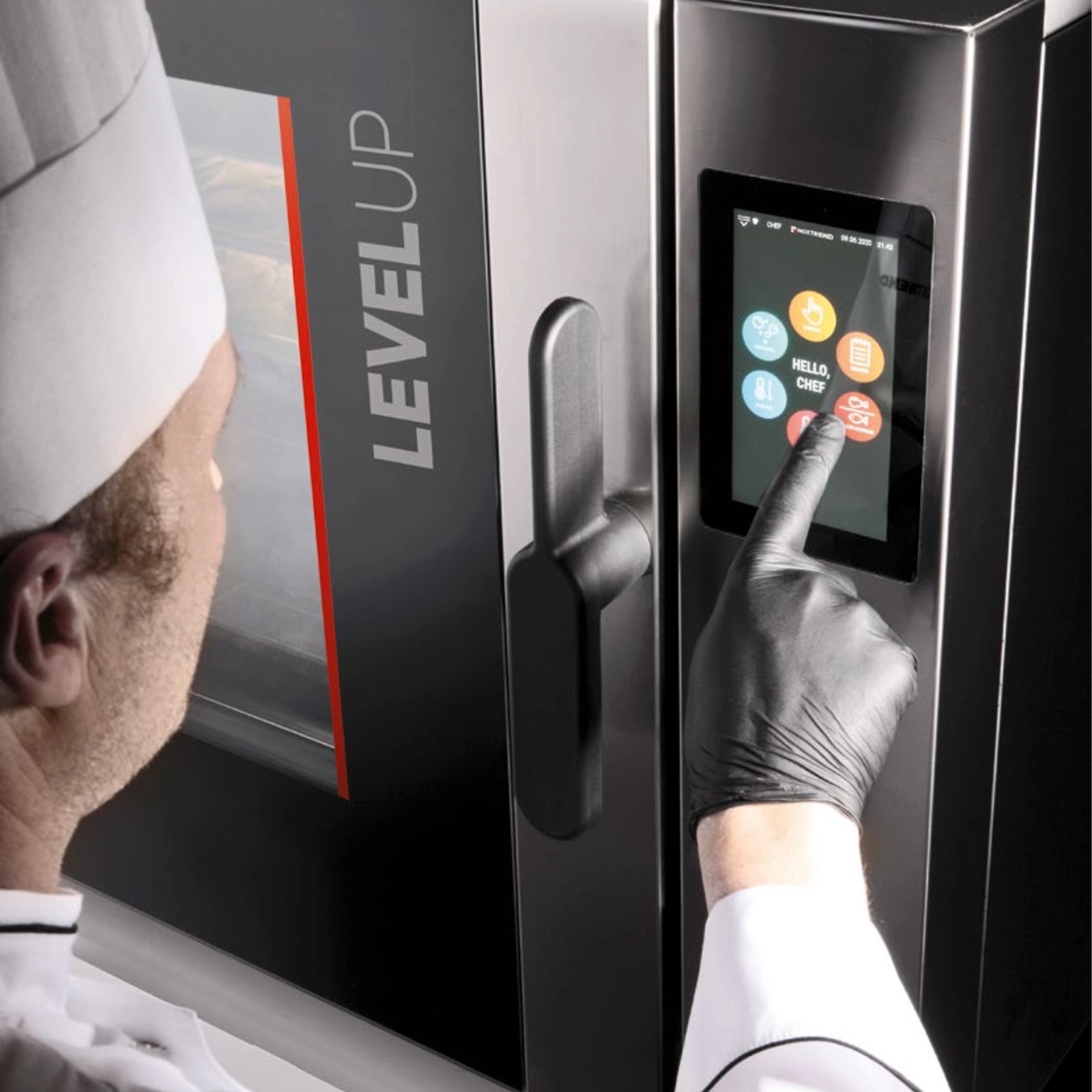
Every task has a large icon on the home screen, so cooking with your own settings, recipes, Multi Cooking, preheating, cool-down and chamber cleaning are one tap away.
Copy your own recipes to other ovens via USB, or send them from the control panel to a tablet or smartphone.
The oven records HACCP data automatically, so cooking temperature records are always ready for food safety checks. Over Wi-Fi, it downloads software updates, new languages and recipes.